
Run Kali Linux Natively on macOS via Apple Containers
Kali Linux now runs natively on macOS, thanks to Apple’s new containerization framework introduced at WWDC 2025. This feature supports developer and security workflows without needing Docker Desktop or third-party hypervisors.
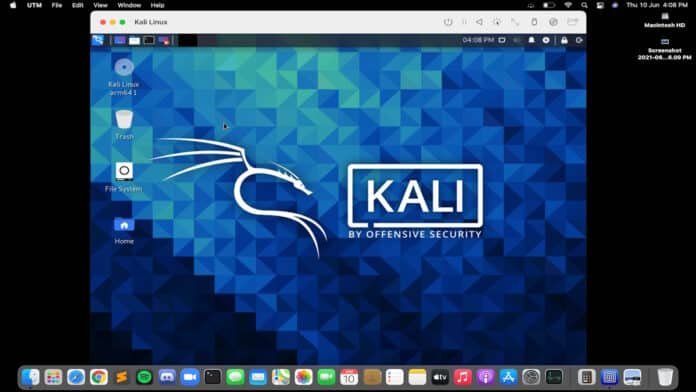
Available in macOS Sequoia 15.5 and integrated in macOS “Tahoe” 26, it allows Apple Silicon Macs to run OCI-compliant Linux distributions like Kali inside secure, lightweight VMs.
What Is Apple Containerization?
Similar to WSL2 on Windows, Apple’s container tool “Container” is a CLI that works with their new framework. It launches isolated micro-VMs using Apple’s Virtualization and Hypervisor frameworks, providing speed and strong security.
- Container: CLI interface
- Containerization: Manages containers and connects to Apple virtualization APIs
- Virtualization.framework: Creates VMs
- Hypervisor.framework: Interfaces with macOS kernel
How To Run Kali Linux on macOS
To start:
brew install --cask container
container system start
Then run Kali with:
container run --rm -it kalilinux/kali-rollingMount your current Mac directory with:
container run --rm -it -v $(pwd):/mnt -w /mnt docker.io/kalilinux/kali-rolling:latestKnown Limitations
This is a developer preview, and network issues may occur in Sequoia 15. Containers might not get IP addresses or DNS access. Refer to Apple documentation for fixes.
Final Thoughts
Apple’s containerization marks a major step forward in running Linux on macOS natively—faster and more securely than Docker or traditional virtual machines.
